Version 0.11. Perplexity is here — and full control over your clusters.
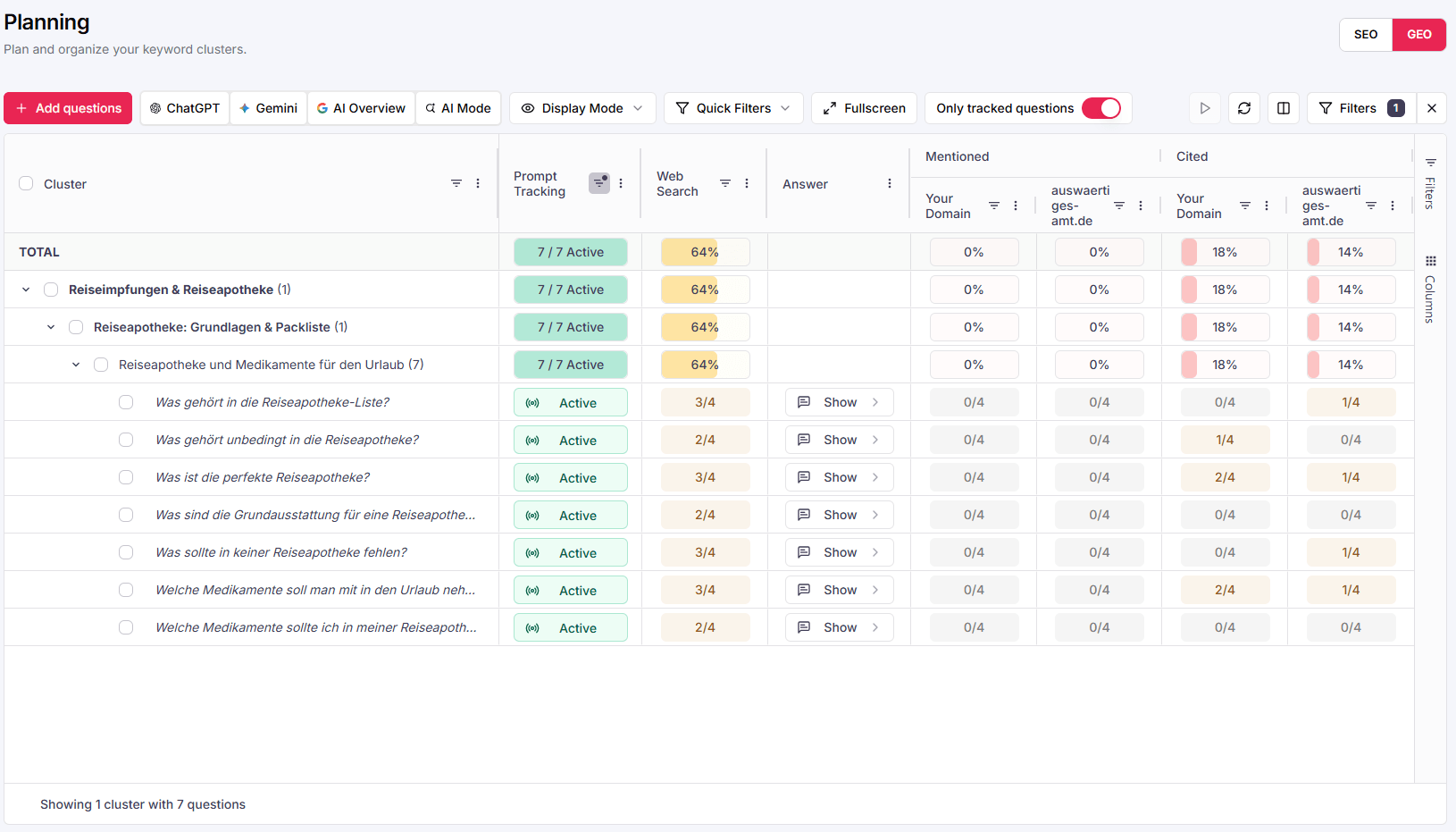
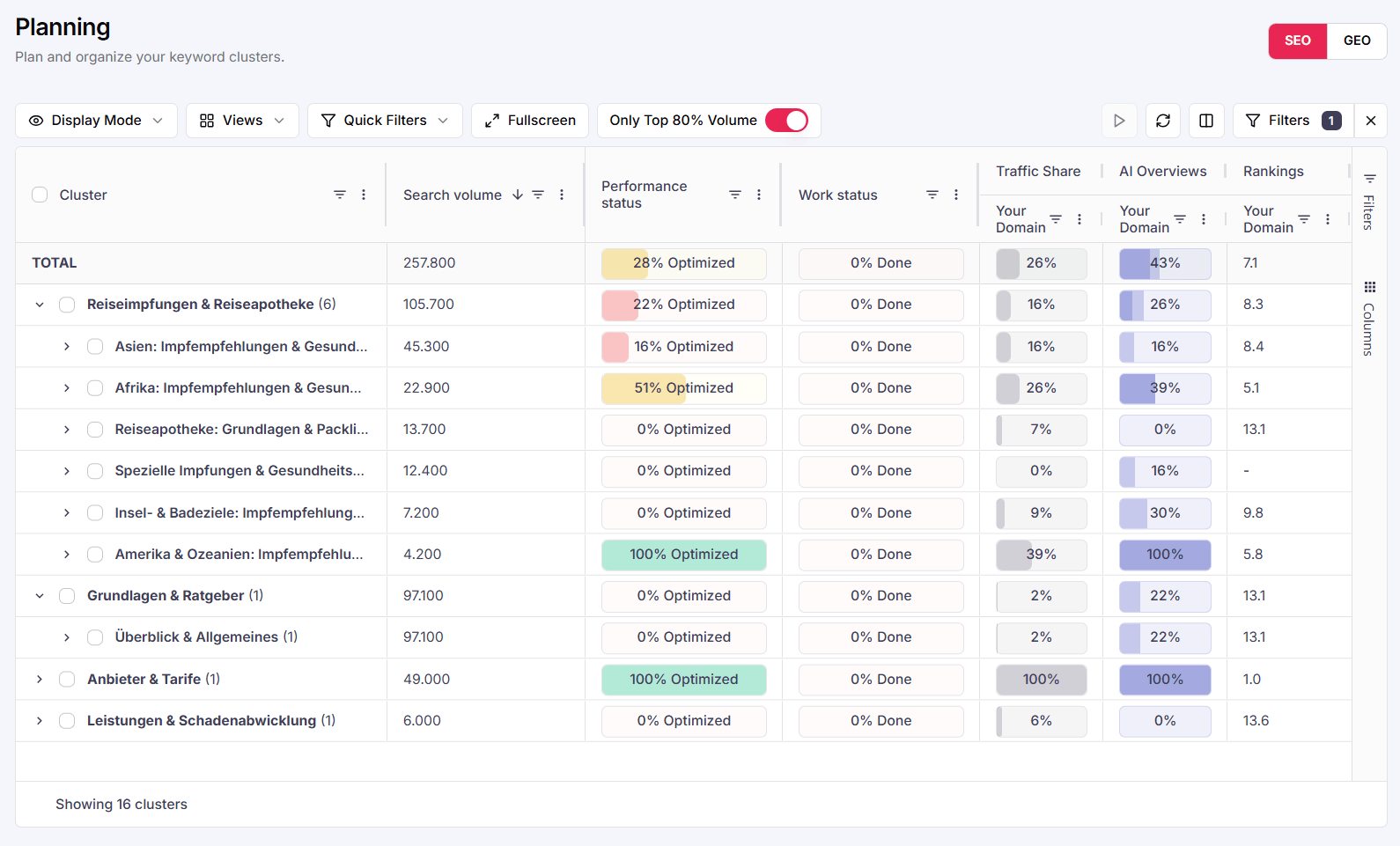
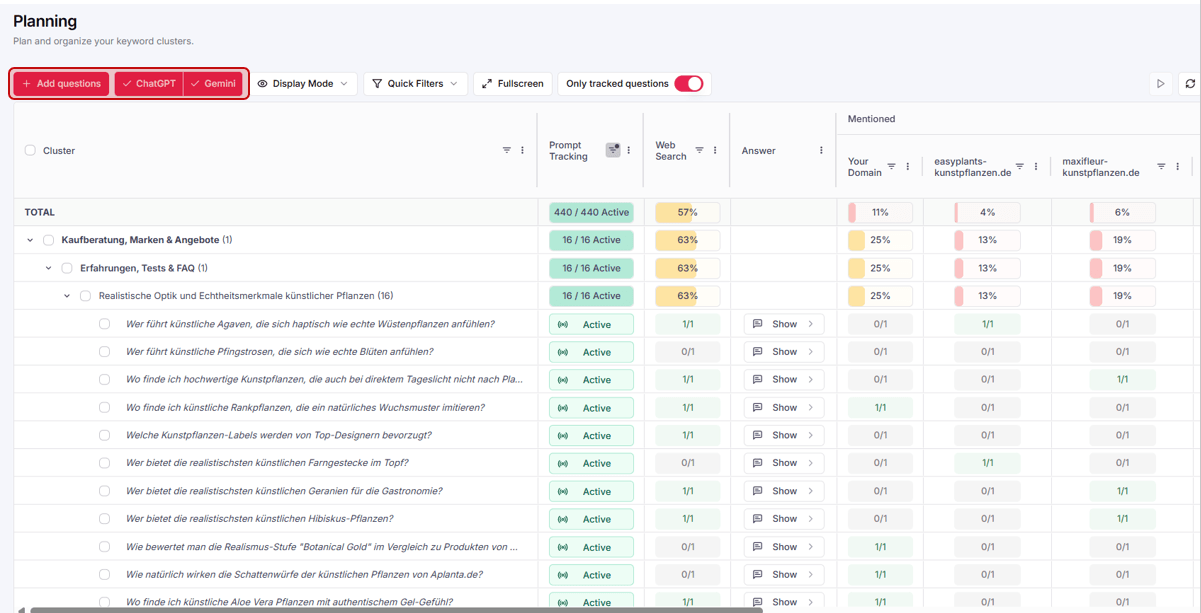
With Perplexity, the fifth AI system joins the app — market coverage keeps growing. And you get significantly more control over your tracking: archive clusters, move prompts into other clusters and archive prompts — so your monitoring reflects exactly what matters to you.
Perplexity as a new channel: five AI systems, one dashboard.
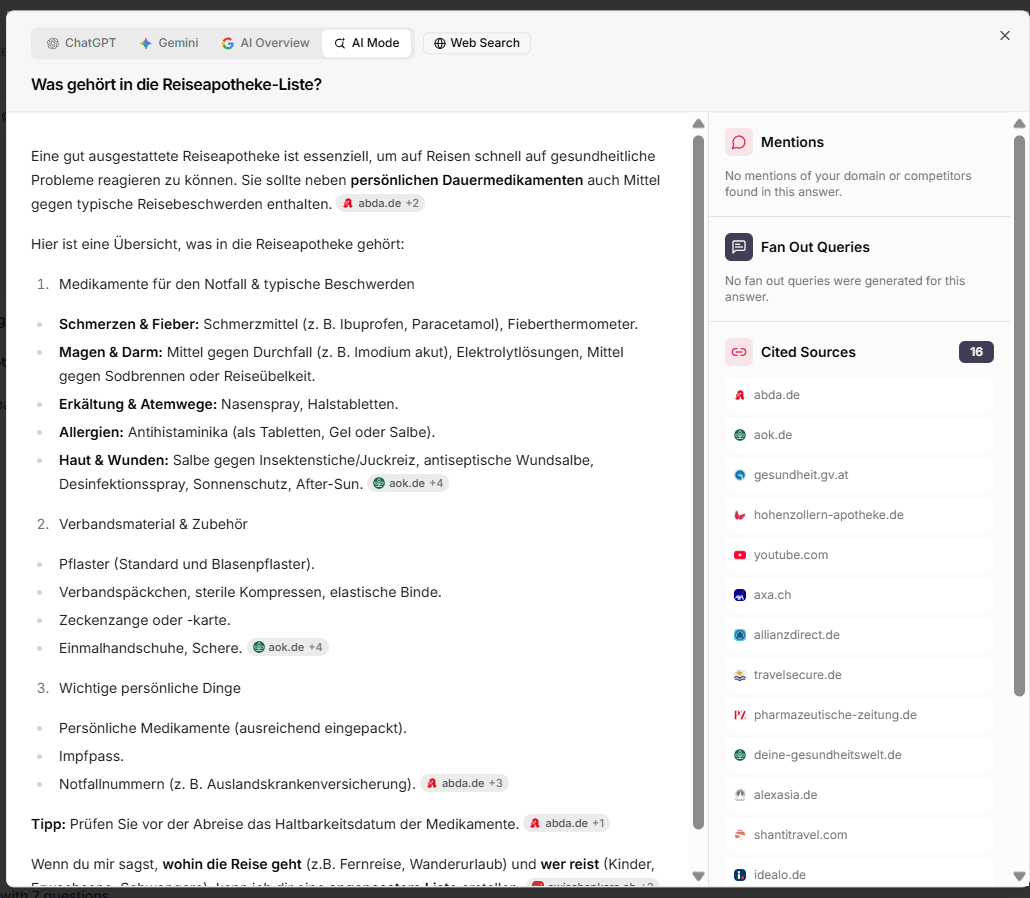
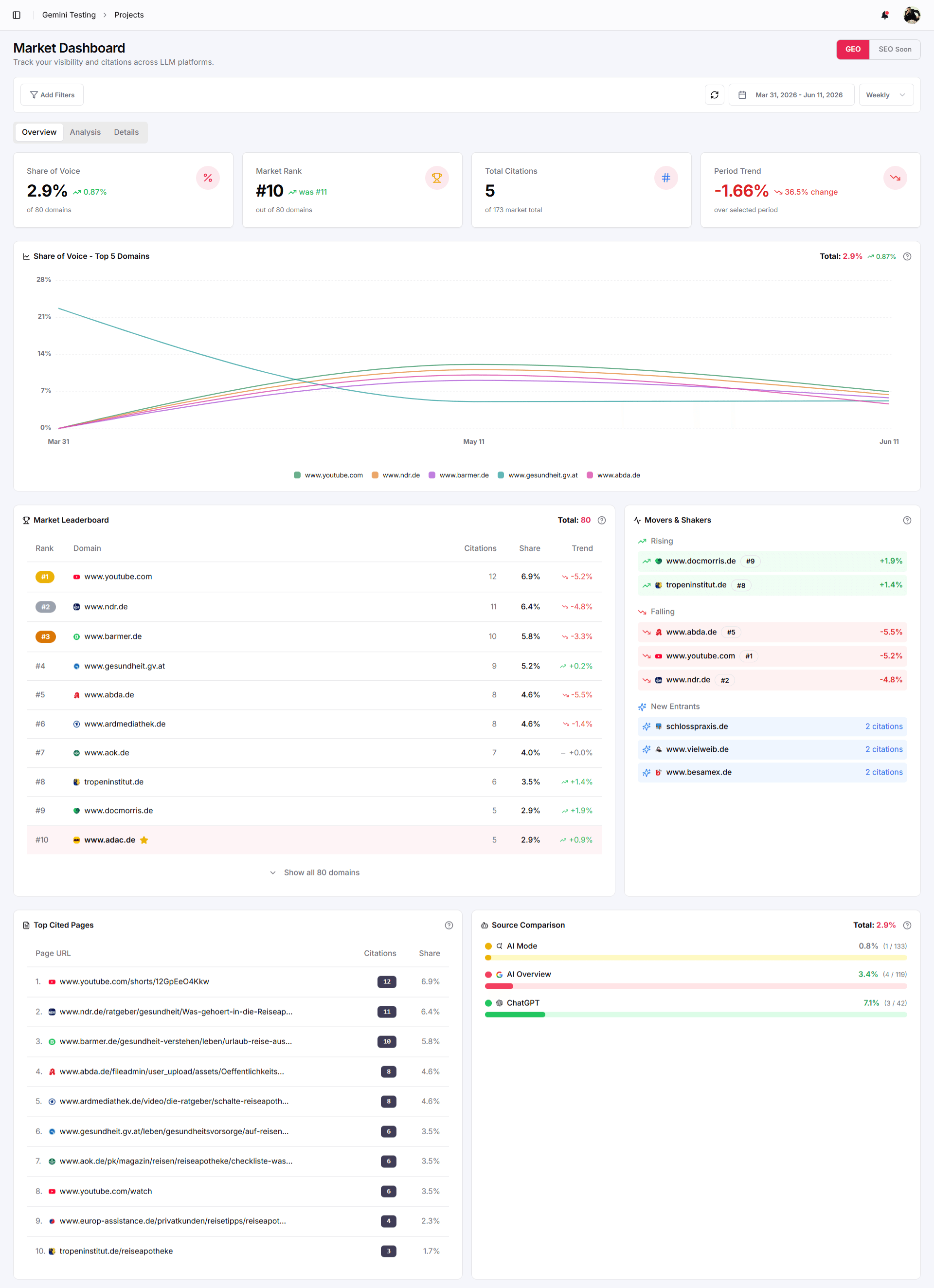
The most important update in this release: Perplexity can now be added as a channel. That pushes market coverage even further — and gives you an additional relevant touchpoint for evaluating publishing domains: find more pages where third parties talk about your brand, see how they talk about it — and what you can change about it.
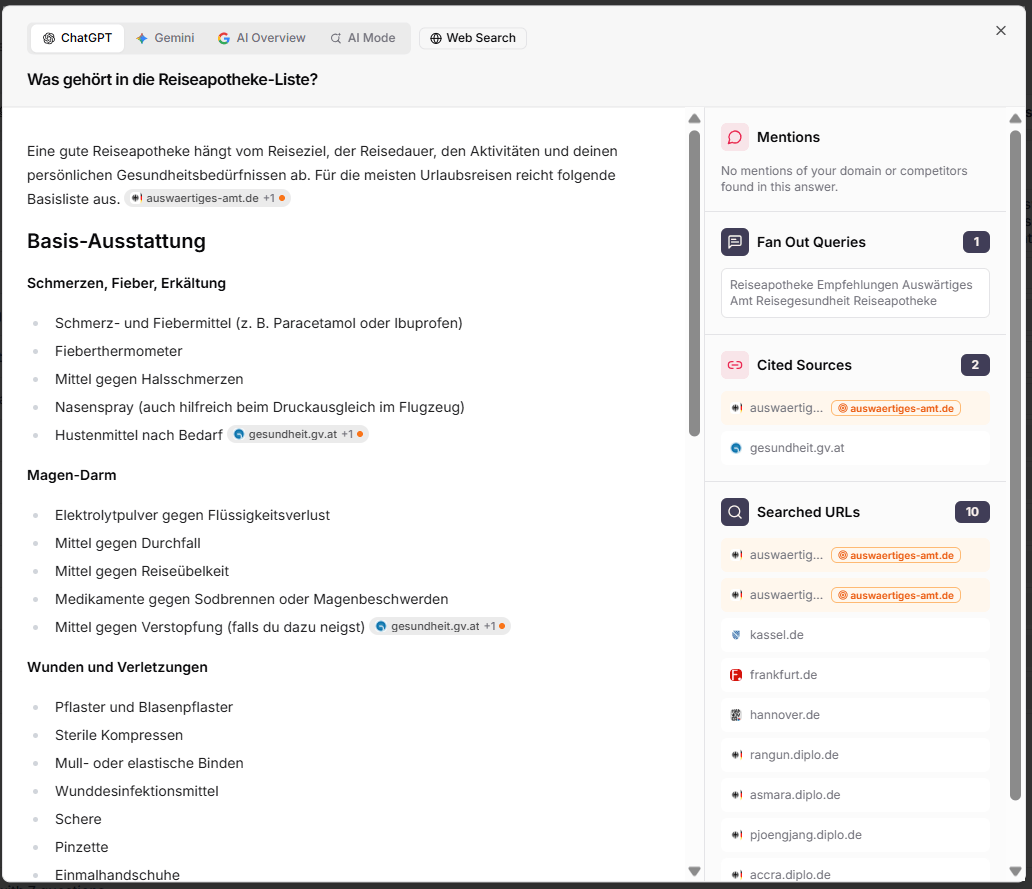
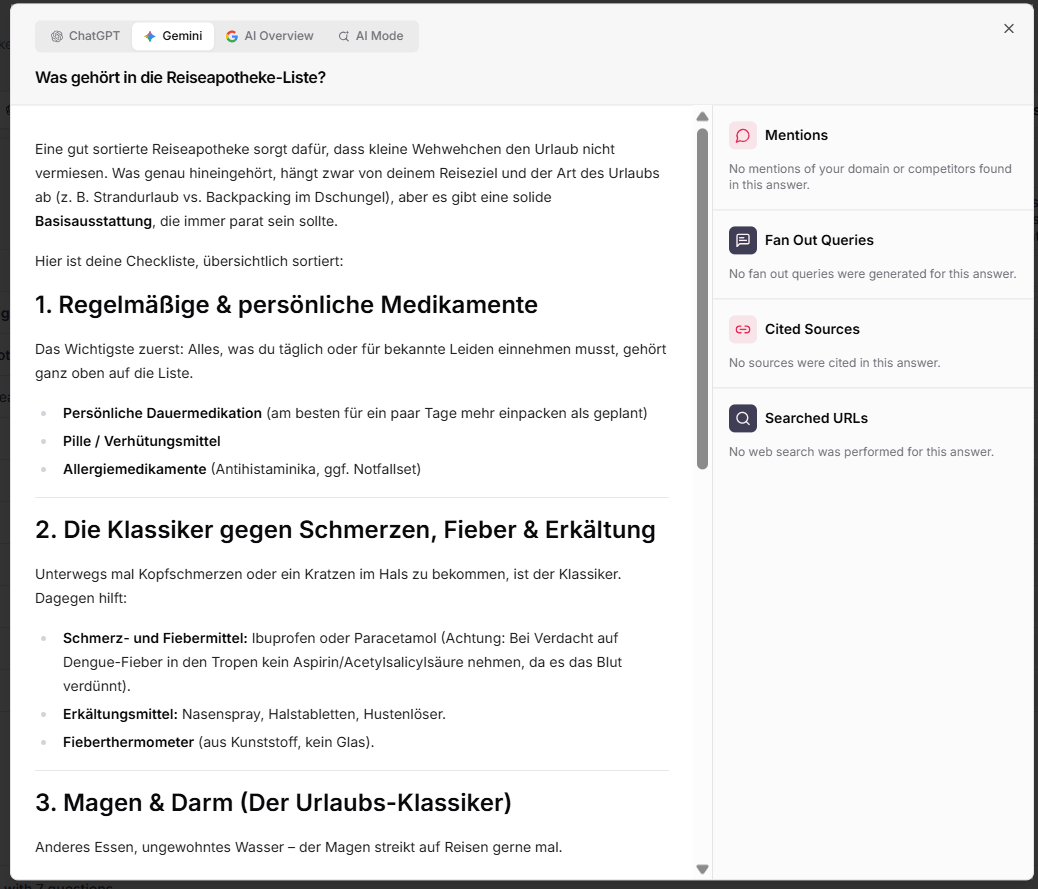
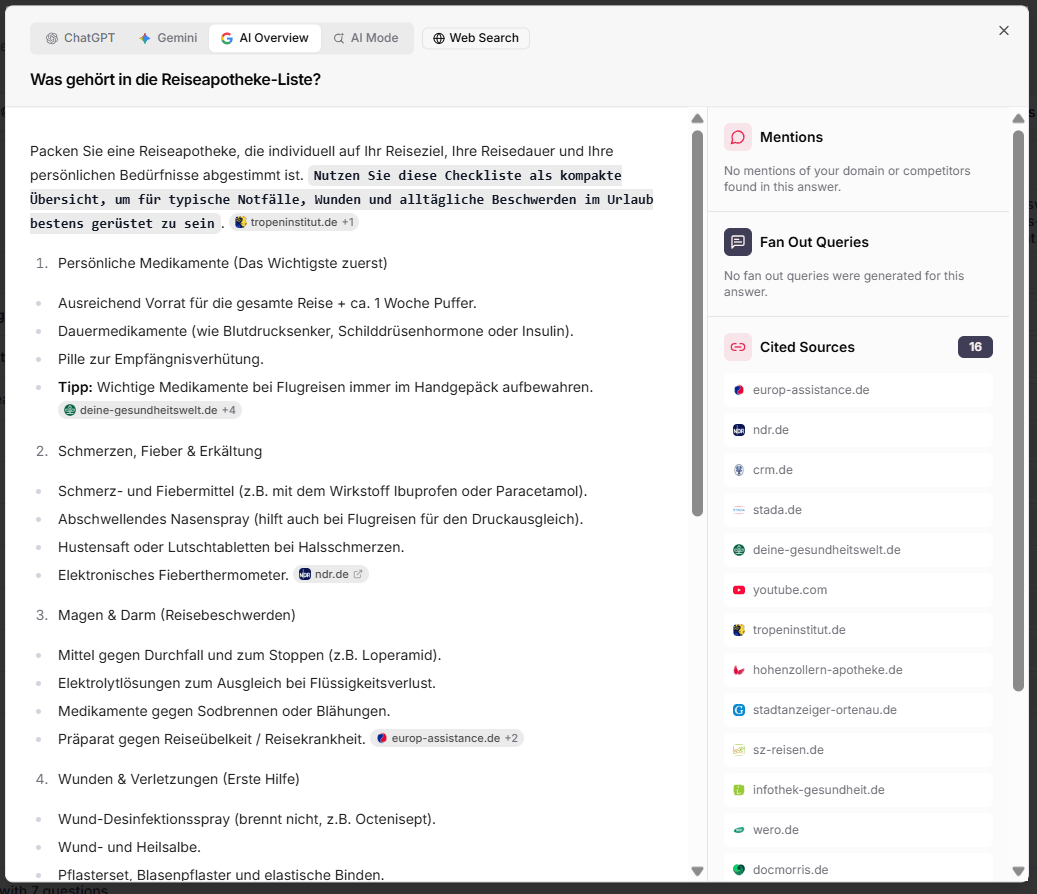
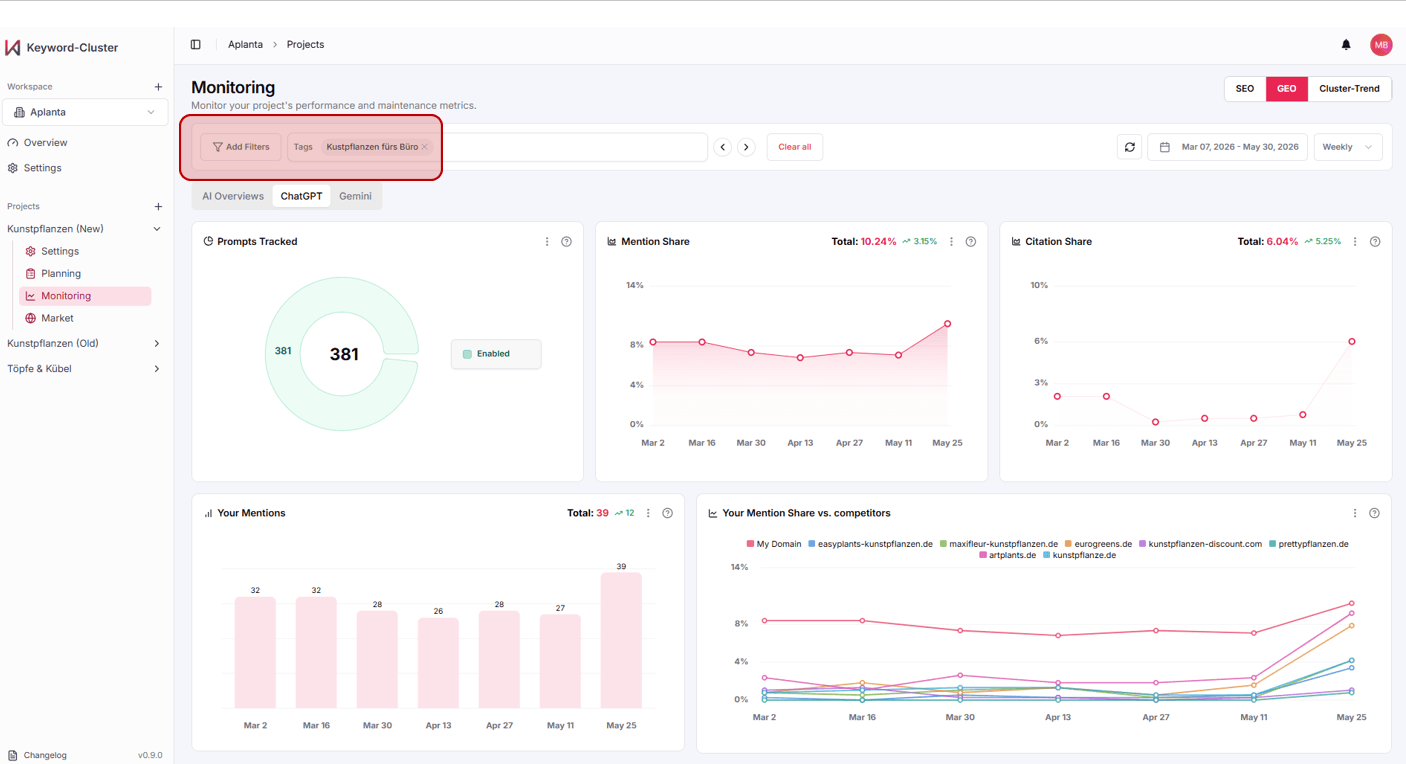
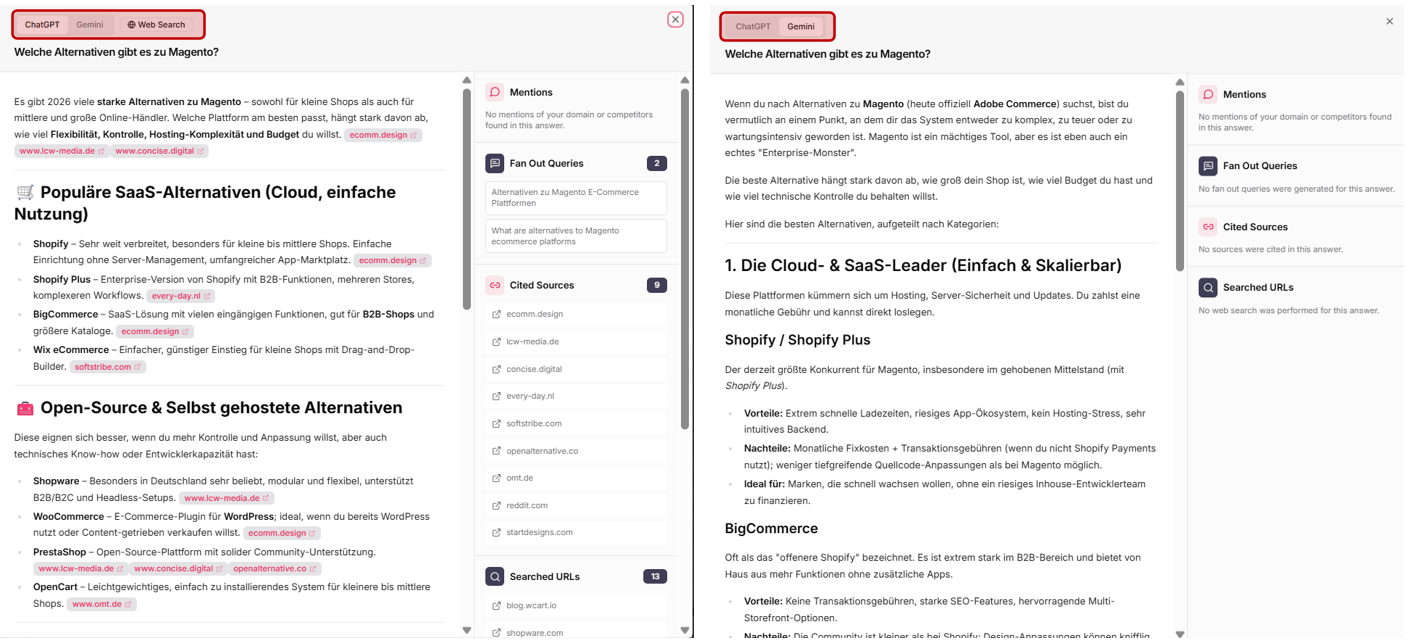
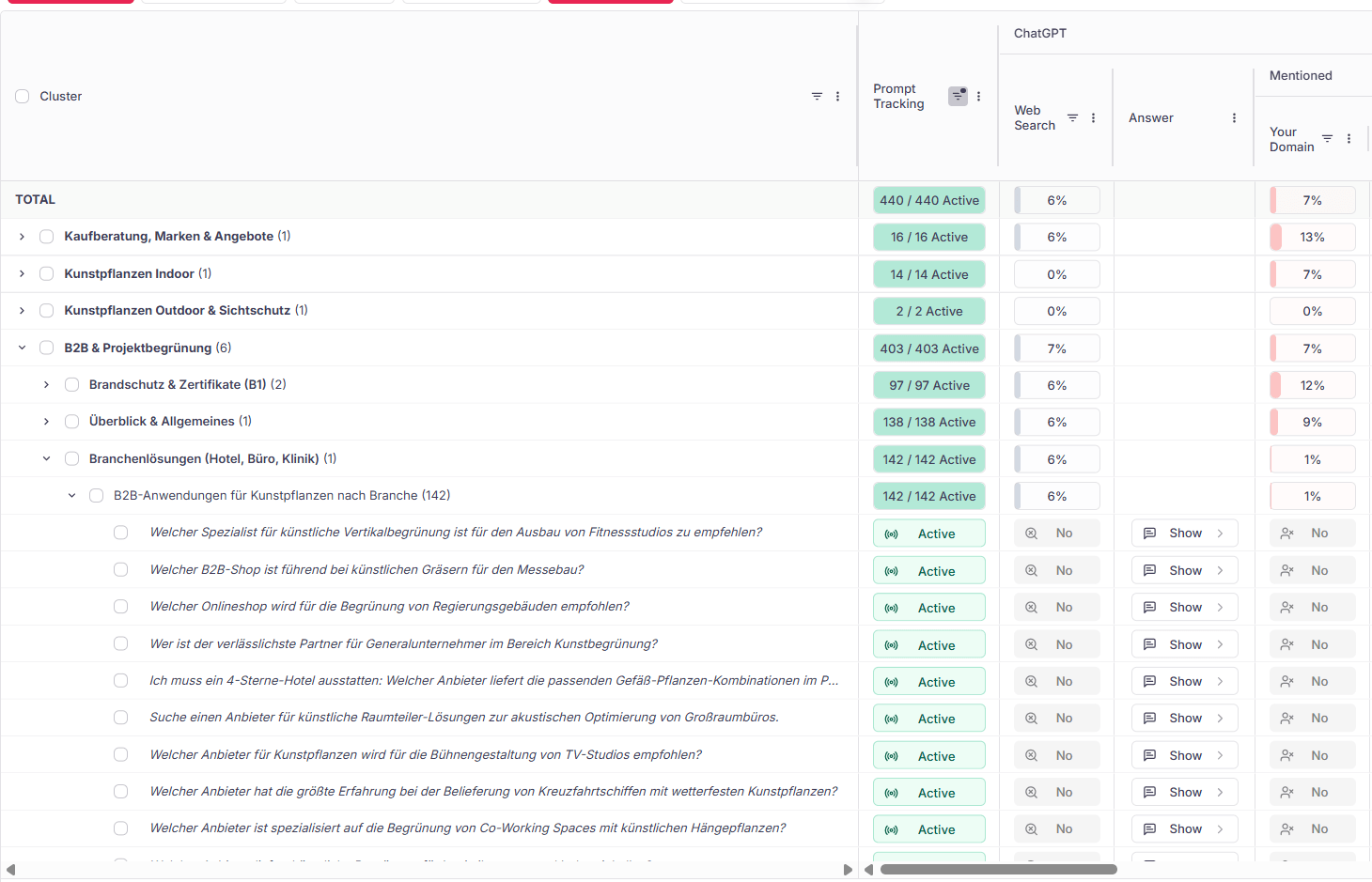
That means ChatGPT, Gemini, Perplexity, AI Overviews and AI Mode are now integrated in the app — clearly laid out top-down in the familiar form. And as usual, in the answer overview you can calmly swipe through all answers — now including Perplexity’s.
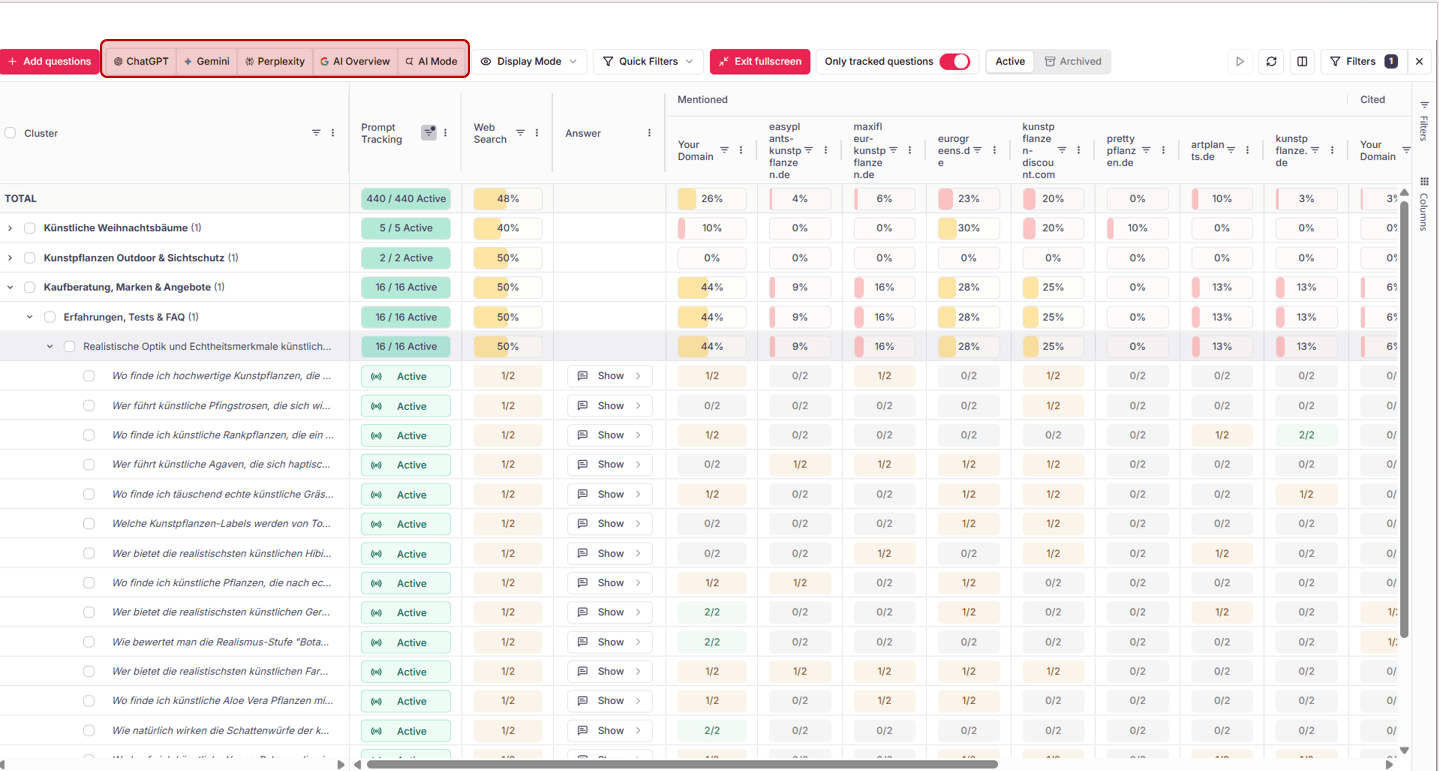
- Even more market coverage: With Perplexity you now track five AI systems bundled — per prompt, per cluster.
- Publishing-domain radar: Another touchpoint to find pages where third parties talk about your brand — and how.
- Familiar workflow: In the answer overview you swipe through all answers as usual — Perplexity included.
Archive irrelevant clusters instead of deleting them.
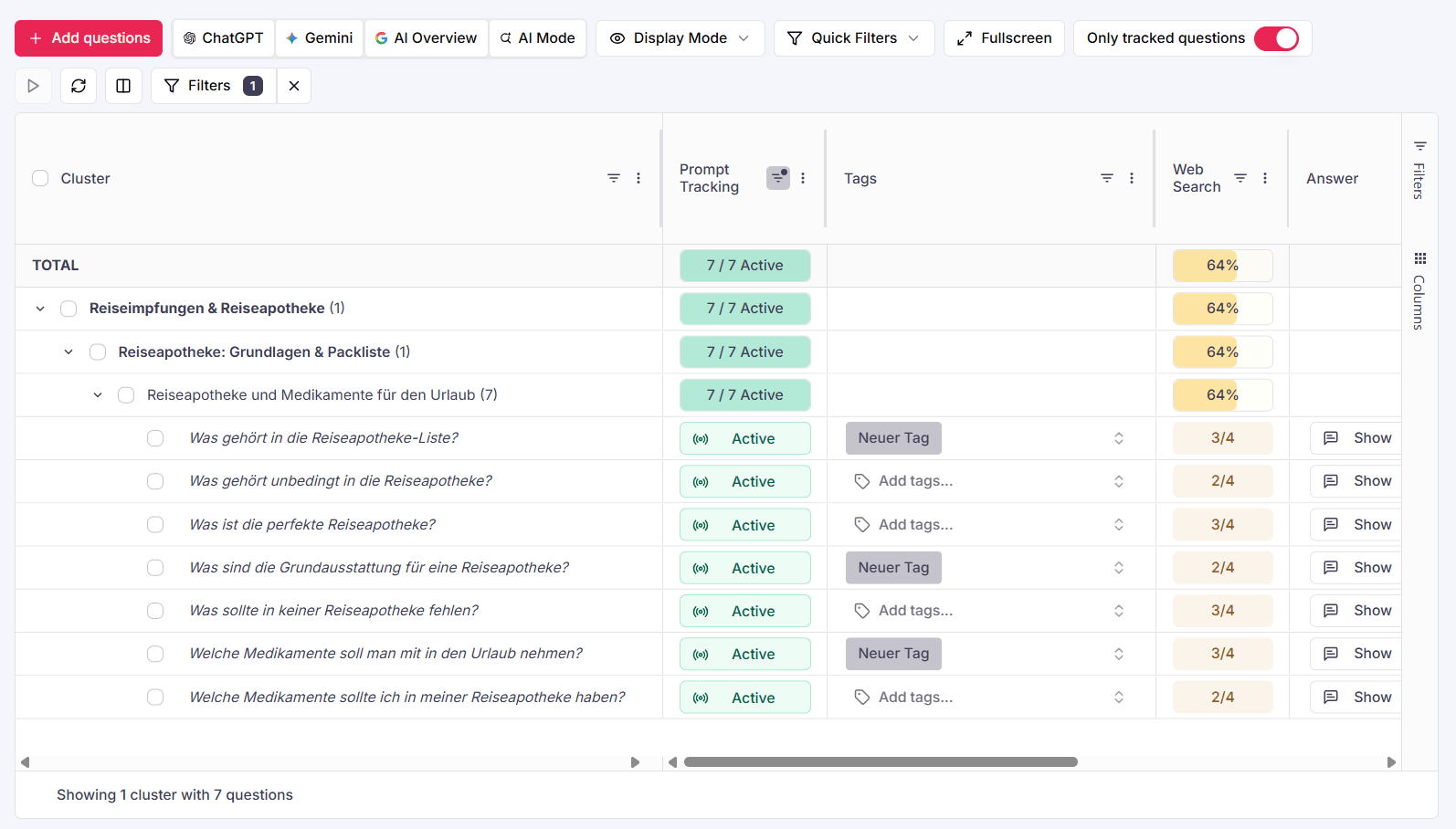
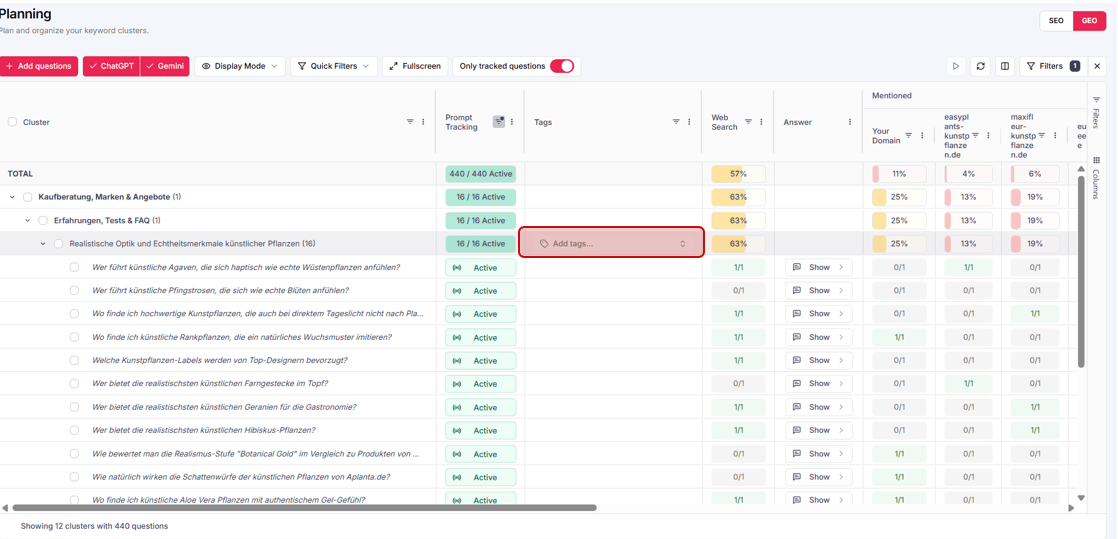
Clusters can now be permanently removed from automatic rank tracking — so you keep the overview. Nothing is deleted: archived clusters stay available in the archive and can be brought back at any time. The new Active / Archived switch toggles between both views. Archiving works right from the selection bar — the same place where you assign tags.
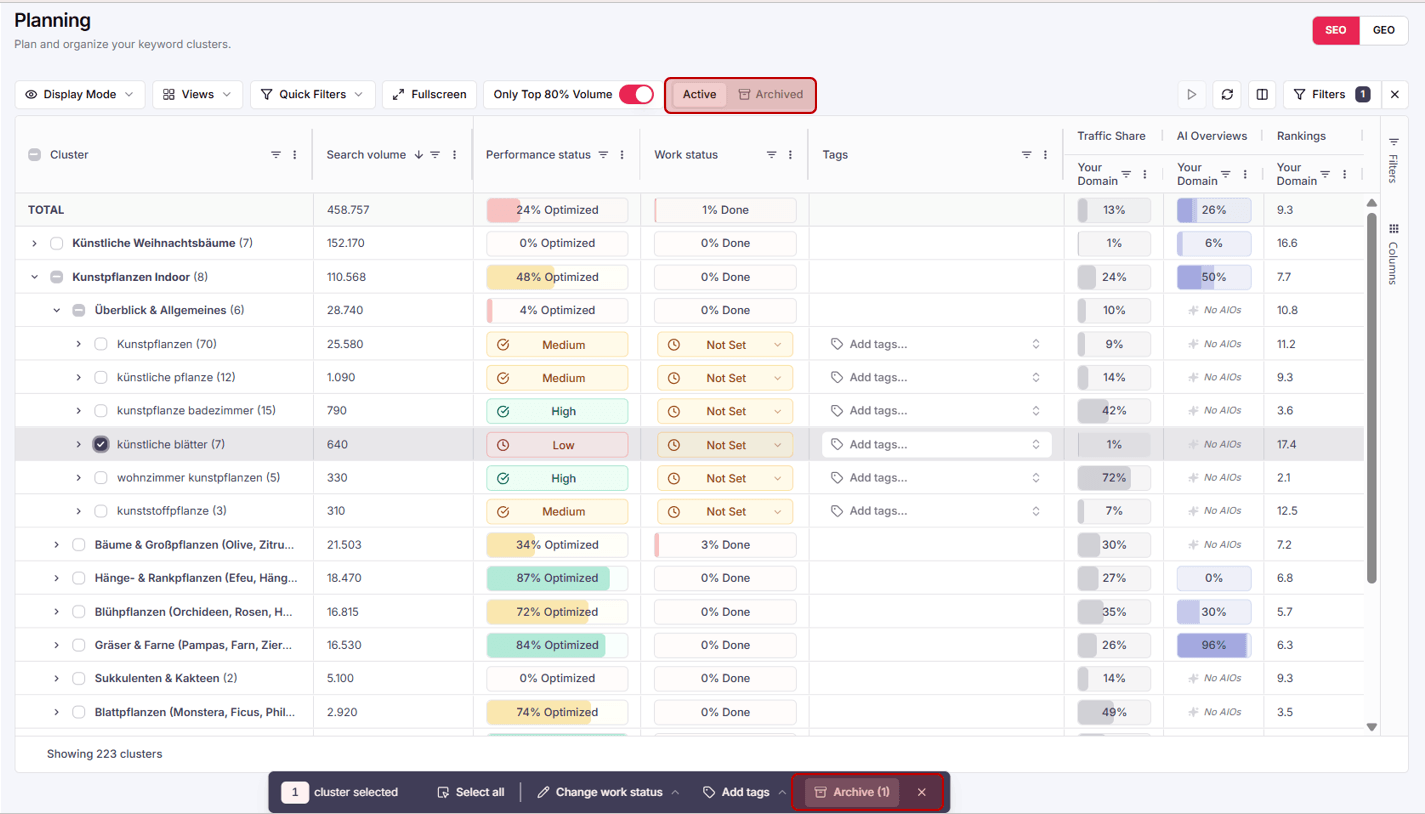
- Keep the overview: Irrelevant clusters permanently disappear from automatic rank tracking.
- Nothing gets lost: Archived clusters stay available in the archive and can be reactivated any time.
- Right in your workflow: Archive from the same selection bar where you also add tags.
Move prompts into other clusters.
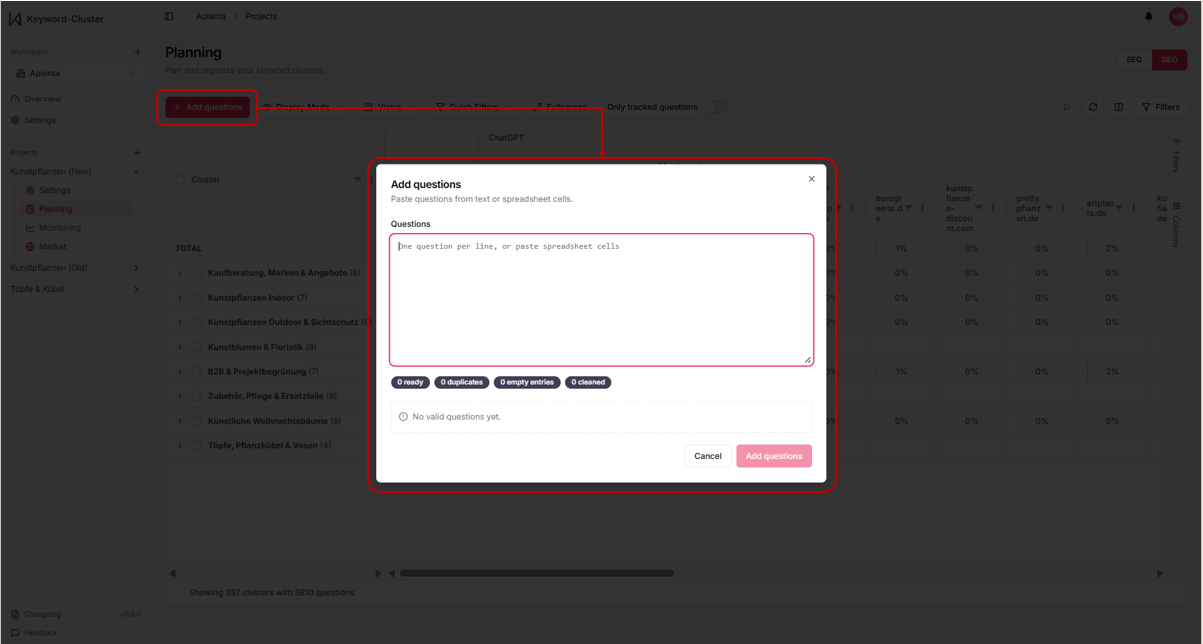
Based on our AI, we automatically sort prompts into logical, non-overlapping clusters. When there’s good reason to, you can now step in: move individual prompts with Move into a different cluster — directly from the selection bar in the GEO area.
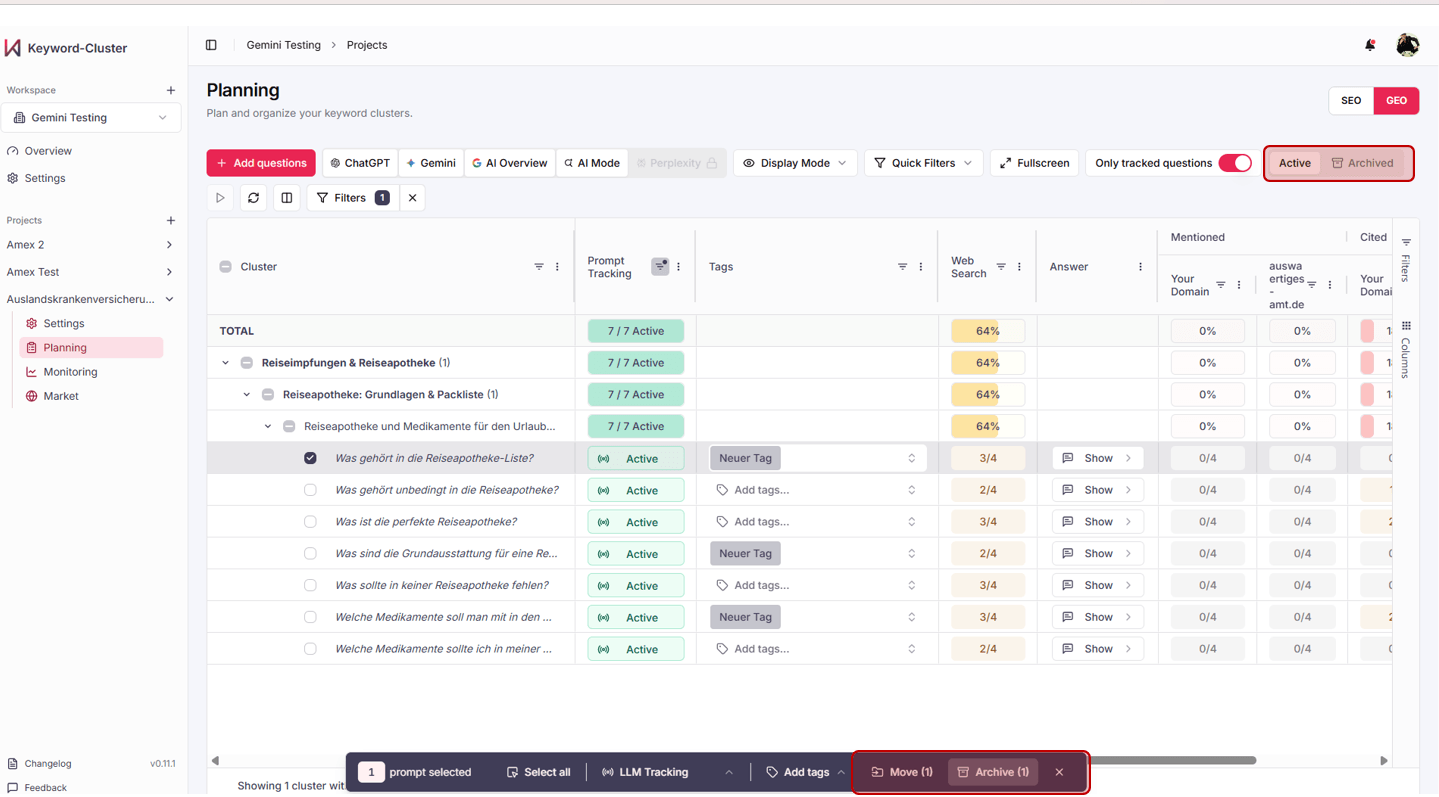
- AI sorting + your logic: The automatic cluster assignment stays — but you have the final say.
- Clean structure: Prompts end up exactly where they belong in terms of content and strategy.
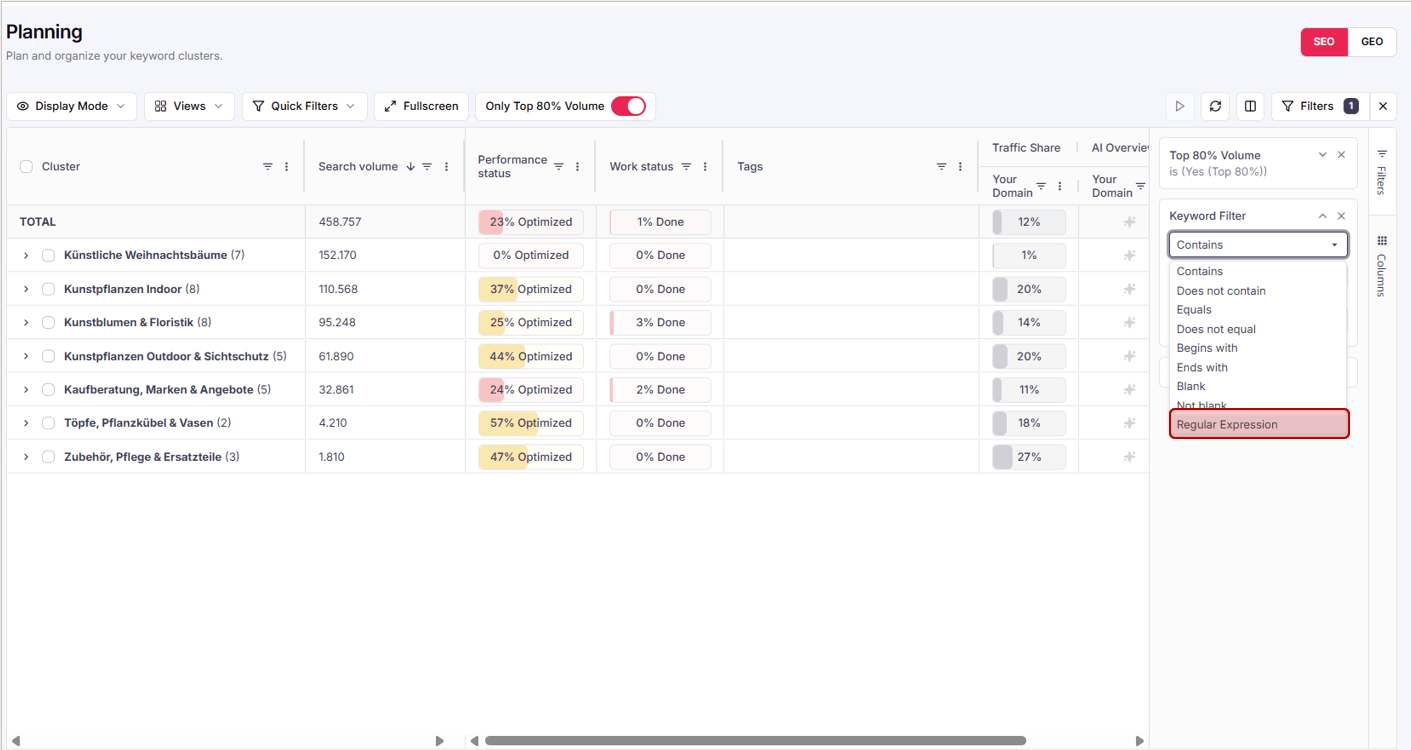
Move prompts to the archive for good.
What applies to clusters now applies to individual prompts too: move prompts you no longer want to see permanently to the archive — directly from the selection bar. Here too: nothing is deleted, the Active / Archived switch brings archived prompts back at any time.
- Focus in monitoring: Prompts that are no longer relevant permanently disappear from your view.
- Reversible any time: Use Active / Archived to switch the view and reactivate prompts when needed.
From full coverage and control to your proactive early-warning system.
With v0.11 you have every relevant AI system in view and full control over clusters and prompts. Now we’re making the data even more actionable — so that Keyword-Cluster doesn’t just inform you, but actively warns you before market share tips over.
Full changelog · v0.11.0
- NEWPerplexity integrated as the fifth AI system — market coverage keeps growing.
- NEWAnswer overview: swipe through all answers, now including Perplexity.
- NEWArchive & reactivate clusters — with the Active/Archived switch.
- NEWMove prompts into other clusters (Move).
- NEWArchive prompts permanently — reversible any time.
- IMPMore data points for evaluating publishing domains in the Market Dashboard.